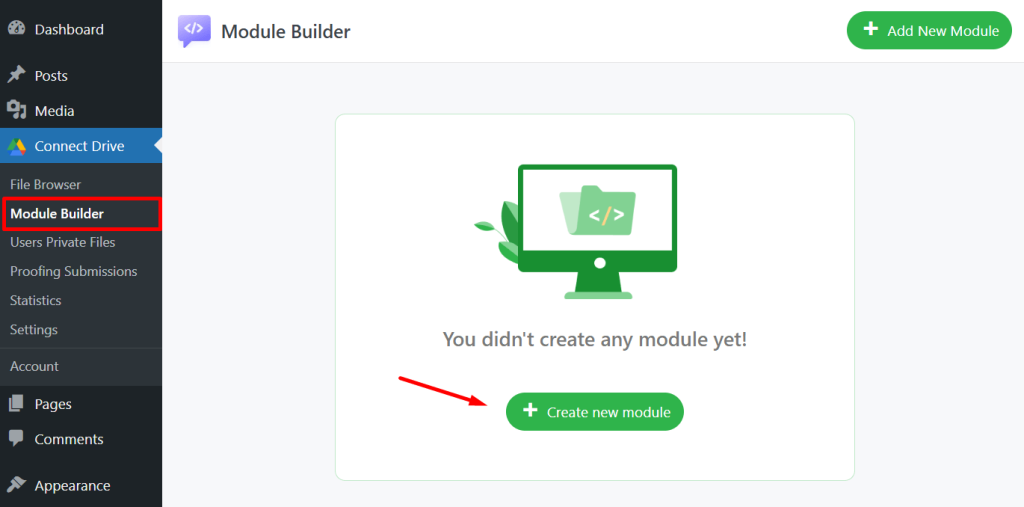
Module Builder allows you to easily create and manage various modules on your website using shortcodes. It simplifies the process of embedding functionality without needing technical expertise. You can create and add modules like:
- File Browser: Effortlessly browse and manage your Google Drive files directly from your WordPress site.
- Gallery: Showcase your Google Drive images in a sleek, organized gallery format for a visually appealing experience.
- Review & Approve: Allow users to review, select, and confirm their Google Drive file choices.
- File Uploader: Upload new files to your Google Drive directly from your website, streamlining content management.
- Media Player: Play audio and video files stored in your Google Drive without leaving your WordPress site.
- Search Box: Quickly search through your Google Drive files, making it easy to find exactly what you need.
- Embed Documents: Seamlessly embed Google Drive documents into your website for easy viewing and interaction.
- List: List Google Drive files with View & Download capabilities.
- Slider Carousel: Display your Google Drive images and documents in a dynamic and engaging slider format.
Add New Module
To create a specific module, follow the guidelines below:
- Navigate to Google Drive.
- Click on Module Builder.
- Select Add New Module.
- Choose your preferred Module.
- Configure the module according to your needs.