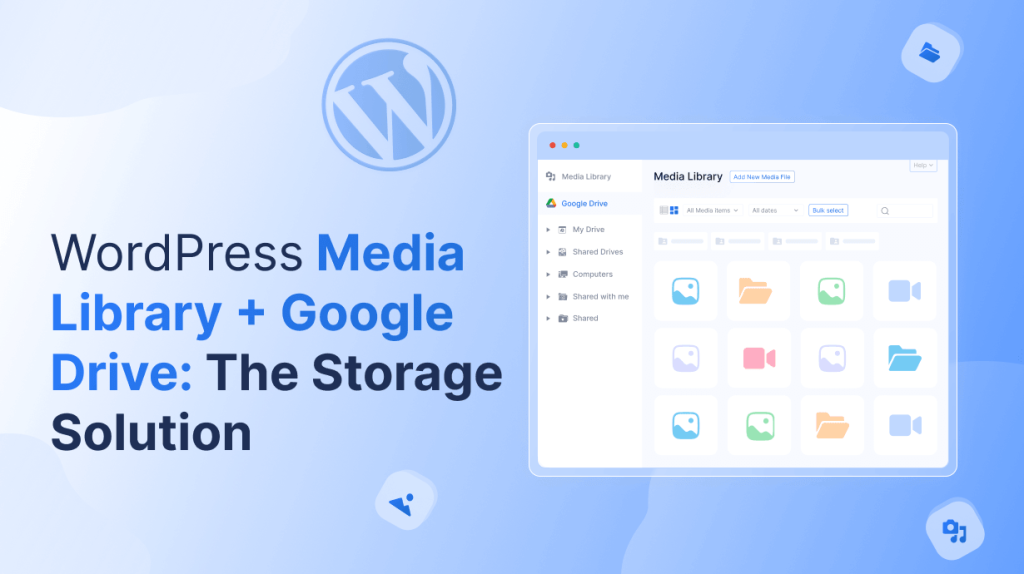
Managing media on WordPress can be challenging. Large files can slow down your site and affect performance. Organizing them efficiently is often tricky and time-consuming.
Connecting Google Drive to the WordPress Media Library solves these problems. Files are stored in the cloud. Your Media Library becomes faster and easier to manage.
This guide shows how to upload, organize, and use media seamlessly. Cloud integration makes your workflow smarter and more efficient.
What is a Google Drive plugin for WordPress?
A Google Drive plugin for WordPress connects your Media Library to Google Drive. It lets you access and manage files in the cloud without using your server. This makes handling large files like videos, PDFs, or images faster and more efficient.
With the plugin, you can easily insert Drive files into posts, pages, products, or courses. It also helps organize media in folders, control permissions, and keep your WordPress Media Library clutter-free while leveraging the reliability of cloud storage.
Speed Optimization for Your Website
Large media files can slow down your WordPress site and affect user experience. Storing these files on your server increases load times and uses more resources.
By connecting your Media Library to Google Drive, you keep files in the cloud while still accessing them in WordPress. This reduces server load, speeds up page loading, and ensures your site stays responsive even with heavy media content.
Seamless Media Uploads
Uploading media to WordPress can be time-consuming, especially when managing large files or multiple items. A Google Drive plugin streamlines this process by allowing you to upload files directly from the cloud into your Media Library. This saves time, reduces server load, and makes your workflow more efficient.
- Direct Upload from Google Drive: Upload files straight from your Drive account without downloading them first, saving time and storage space.
- Bulk Uploads: Add multiple files at once, making it easy to handle large media collections efficiently.
- Drag-and-Drop Simplicity: Move files into the Media Library with a simple drag-and-drop interface, reducing manual effort.
- Automatic File Syncing: Changes made in Google Drive can automatically update in WordPress, keeping your media up-to-date.
- Preview Before Upload: View files in Google Drive before adding them, ensuring only the needed media is uploaded.
Advanced File Management
Managing large media collections can get messy. A Google Drive plugin makes organizing files easier and faster. You can sort, search, and control access right from your WordPress Media Library.
- Organize Files & Folders: Keep media structured in folders for easy access.
- Search & Filter: Quickly find files using search and filter options.
- Permission Control: Set who can view or edit files for better security.
- File Categorization: Assign categories or tags to group similar media.
- Quick Access: Access frequently used files without navigating multiple folders.
Integration with WordPress Tools
A Google Drive plugin doesn’t just store files; it lets your media work across WordPress. You can use cloud files in posts, pages, products, and courses without extra uploads.
- Embed in Posts & Pages: Easily insert files from Google Drive into your posts or pages, keeping your content organized and lightweight.
- Forms Integration: Accept media submissions directly from users via forms without filling up your server storage.
- WooCommerce Media: Attach product images, PDFs, or digital downloads from Drive directly to your online store items.
- LMS Courses: Add course videos, documents, and resources from Drive to lessons without uploading them manually.
- Custom Post Types: Link Drive files to portfolios, events, or other custom content types to streamline your workflow.
Enhancing eCommerce & Course Platforms
Managing media for products and courses can be challenging, especially with large files or multiple modules. Integrating Google Drive with the Media Library makes this process smoother and faster.
- Streamline WooCommerce Product Uploads: Add product images, PDFs, or digital downloads directly from Drive, making uploads faster and reducing server load.
- Support Large Digital Files: Host videos, high-resolution images, or downloadable resources in Drive to keep WordPress lightweight and efficient.
- Easy LMS Course Content Delivery: Add videos, documents, and audio files from Drive directly into your LMS courses or lessons without extra uploads.
- Organize Multi-Module Courses: Group media by module or lesson in Drive for easy access, structured learning, and better course management.
- Faster Updates & Revisions: Update files in Drive and automatically reflect changes in linked WooCommerce products or LMS lessons.
Multiple Modules & Extensibility
Managing media for multi-module courses or large product categories can get complicated. A Google Drive plugin extends the WordPress Media Library, allowing you to organize files in folders and link them directly to lessons, modules, or product groups.
This modular structure makes it easy to maintain and scale your site. It also ensures that media is easy to find, update, and reuse across multiple posts, courses, or products without overloading your server.
Security and Backup Benefits
Storing media in Google Drive adds an extra layer of cloud security. Your files are protected from server crashes, accidental deletions, or malware attacks while remaining accessible through WordPress.
In addition, using Drive simplifies backup strategies. You can schedule regular syncs, restore previous versions of files, and ensure that important media is always safe and recoverable without complex server backups.
Conclusion
Integrating Google Drive with the WordPress Media Library makes managing media faster, easier, and more efficient. It helps reduce server load, organize files, and deliver large media without slowing down your site.
With Connect Drive, you can seamlessly upload, organize, and use files from Google Drive directly in your Media Library. It simplifies workflows for posts, pages, products, and courses, while keeping your website lightweight and responsive.
Overall, connecting WordPress with Google Drive provides a reliable, secure, and scalable storage solution. It is the ultimate way to optimize media management and improve your website’s performance.