
List Files
Showcase your Google Drive files in a neat, organized list layout. The List Module lets users view, download, or edit files (depending on permissions) directly from your website.
No Shortcode Found!
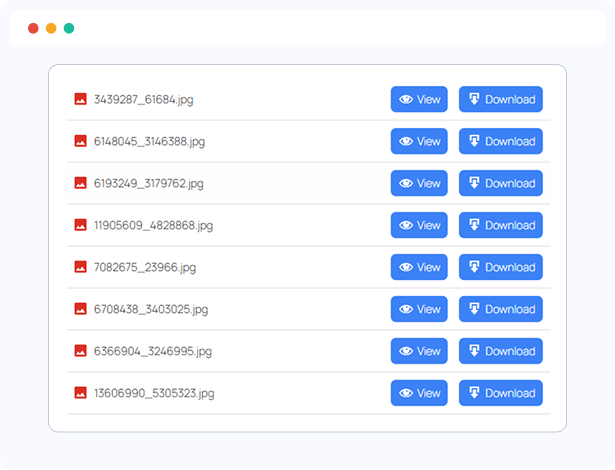
Showcase connect Drive Files to View, Download, or Edit
Present your Google Drive files in a clean, well-organized list layout. The List Module enables users to view, download, or edit files (depending on their permissions) directly from your website.
Clean list-style file display
View or download files instantly
Edit access based on file permissions
Supports all connect Drive file types
Ideal for documents, spreadsheets, PDFs, and more
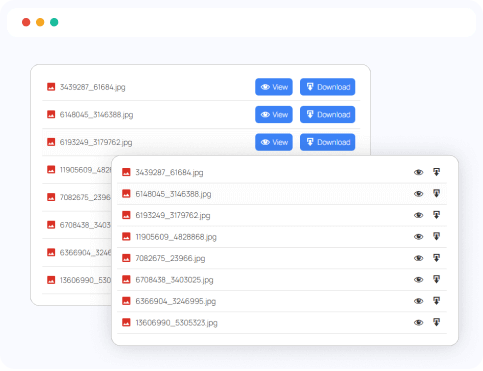
Multiple List Styles
Personalize the display of your Google Drive files with multiple list styles. Select from simple link lists, button-enhanced layouts, or alternative designs to perfectly match your website’s style.
Link
Link Button
List
List Alt
List Button Alt
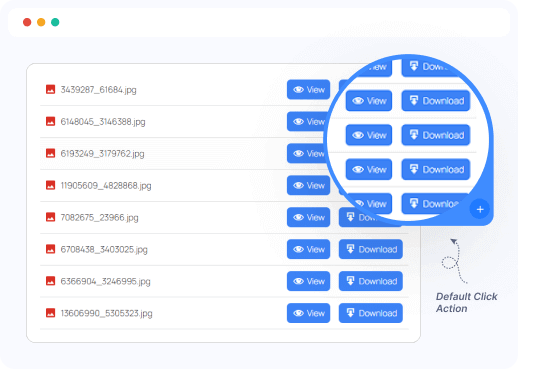
Default Click Action
Define what happens when users click a file and choose to view, download, or edit by default. This gives you complete control over file behavior across your modules to suit your specific needs.
View
Download
Edit
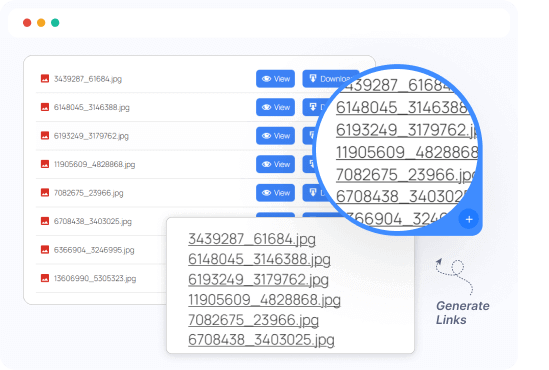
Generate Links for Folder Files
Easily generate shareable links for all files within a selected Google Drive folder. Perfect for quickly creating download pages, organizing file listings, or sharing multiple files effortlessly with a single setup.
One-click link generation for folder contents
Supports view and download actions
Works with public and private folders
Ideal for documents, resources, or client deliverables
Ready to Integrate Connect Drive into Your Website?
The best Connect Drive cloud solution plugin for WordPress, allowing you to integrate your Google Drive files directly into your WordPress website.