
File Browser
Display your cloud files through a File Browser. The File Browser supports grid thumbnail and list views and includes a file uploader for easy uploads.
No Shortcode Found!
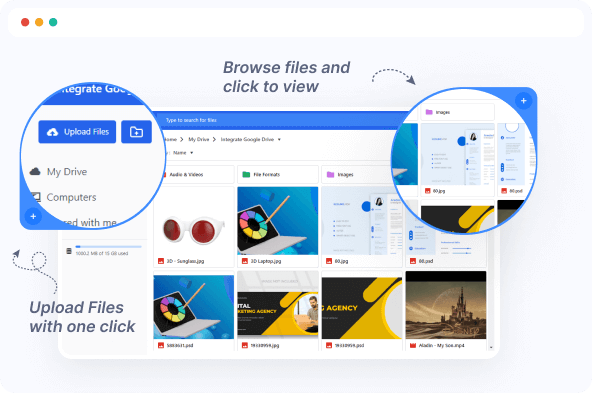
Manage Your Documents Easily
Use the File Browser to easily manage your documents through your preferred cloud platform. The File Browser ensures your files are automatically displayed on your WordPress site.
List and Grid View
Search and Filter
Live Preview Files
Import Media in File
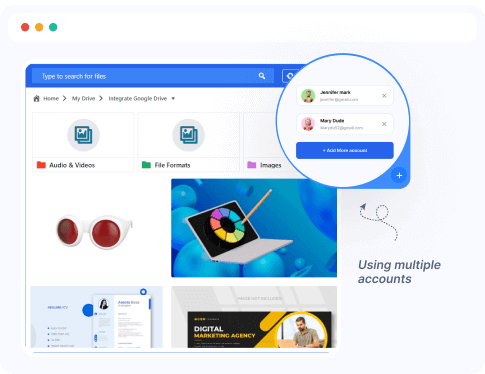
Link Multiple connect Drive Accounts
Add and manage multiple Google Drive accounts from your website using this plugin.
Use Your Own Account
Add Multiple Account
Remove Any Accounts
Manage Your Own Drive
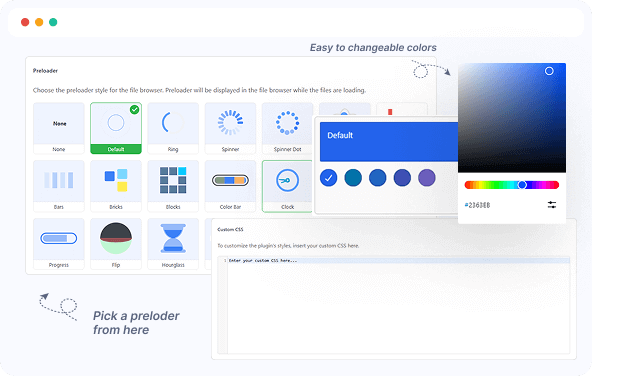
Customize Using by Appearance
Easily customize colors and background styles to match your site’s design while keeping your current layout and style intact.
Live Preview Style
Colors Customize
Use Custom CSS
Background Color Changes
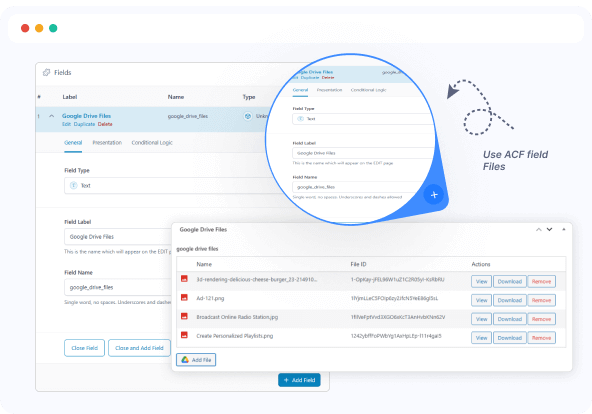
Use ACF field Files
Seamlessly link your ACF File fields with Connect Drive’s File Browser to showcase Google Drive files dynamically on your WordPress site. Single or repeater fields are fully supported, and files connected via ACF appear automatically without any manual setup.
Automatically pulls files from connect Drive
Ideal for dynamic file rendering
Auto-sync with ACF File fields
No manual linking needed
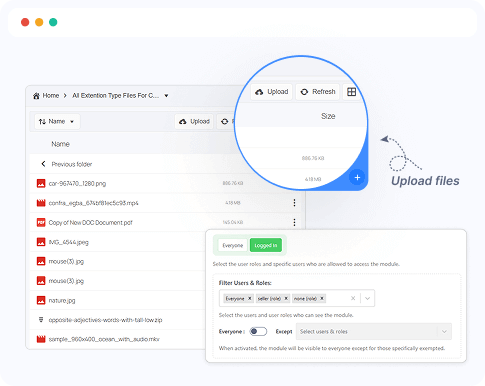
Useful Interactions
The Connect Drive File Browser offers powerful Google Drive file management capabilities directly from the WordPress platform. Users can seamlessly interact with files, view, upload, download, or delete based on their permissions.
View files in real-time
Upload new files
Download with one click
Delete files securely
Role-based access control
Ready to Integrate Connect Drive into Your Website?
The best Connect Drive cloud solution plugin for WordPress, allowing you to integrate your Google Drive files directly into your WordPress website.